
-
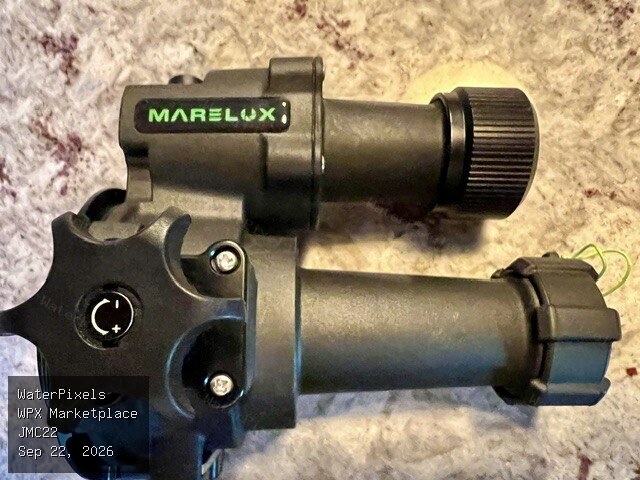
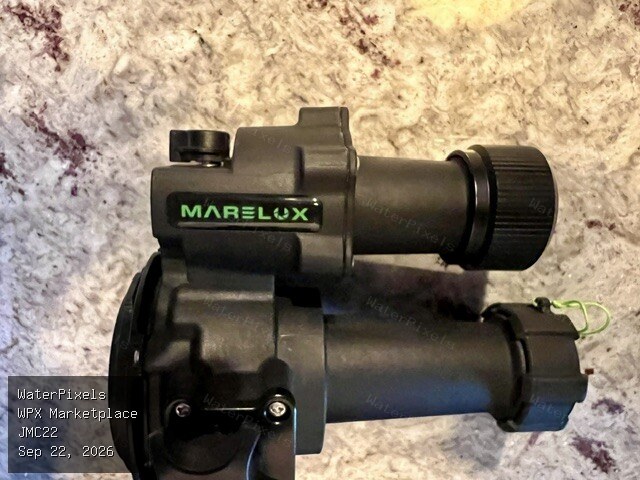
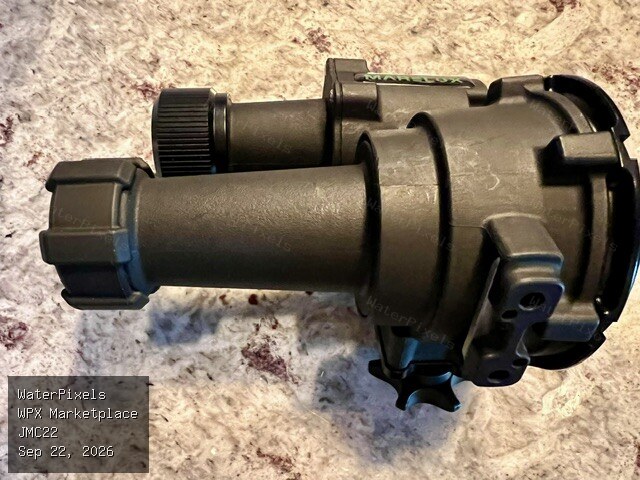 For Sale $200.00 Colorado
For full transparency, I believe this is the same unit that I purchased and returned on ebay — which didn't appear in the condition described but here…
-
I talked to reef photo today and the extension is built into this dome, so no additional equipment is needed.
-
Down for me, too. I hope someone has saved the site data or that it has been properly archived somehow.
-
building off of this, a ring specifically for the 1.4 and 2.0 TC's would also be nice. I've always wondered if it would be possible to make focus ring extensions for this very purpose.
-
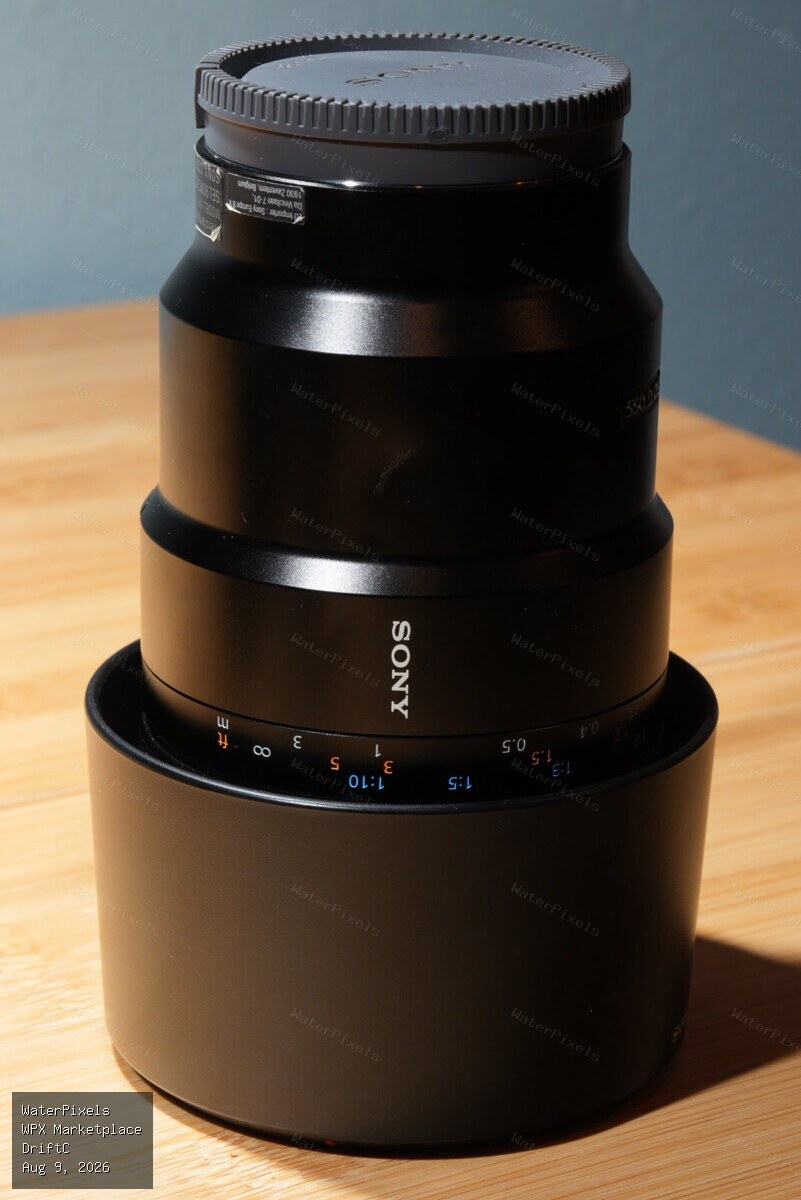
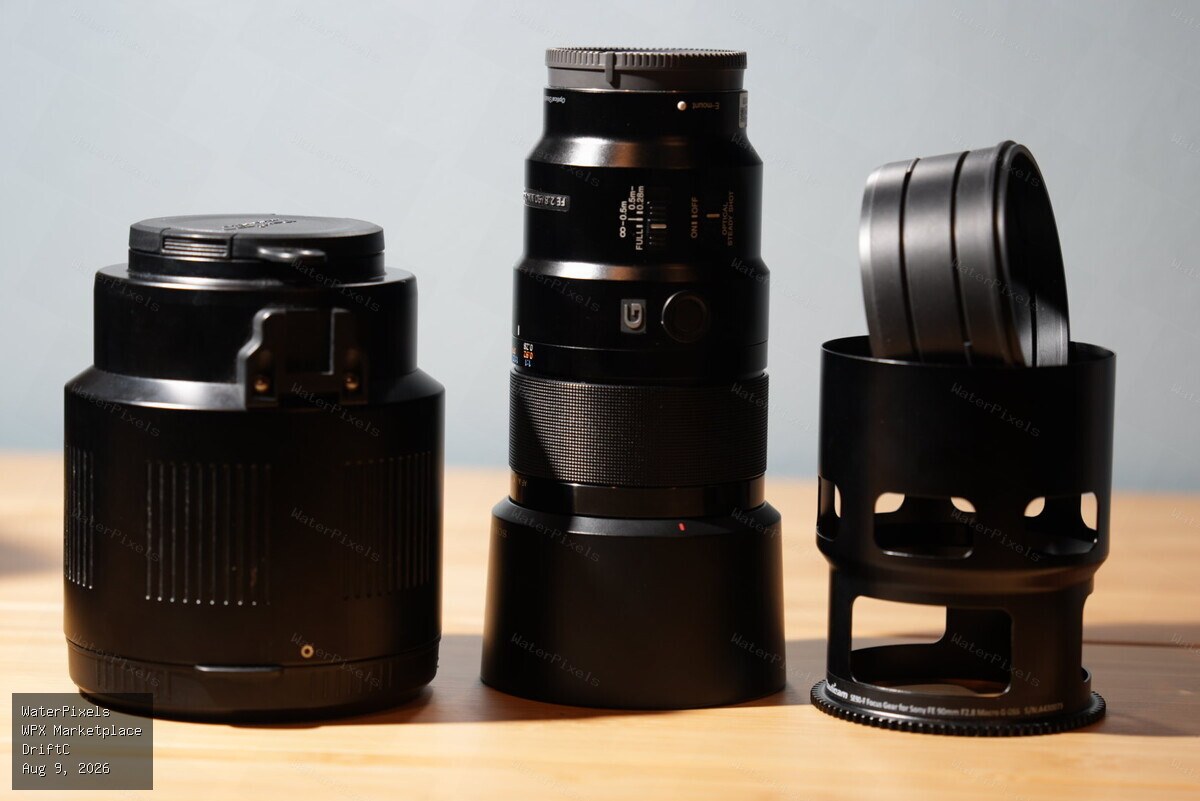
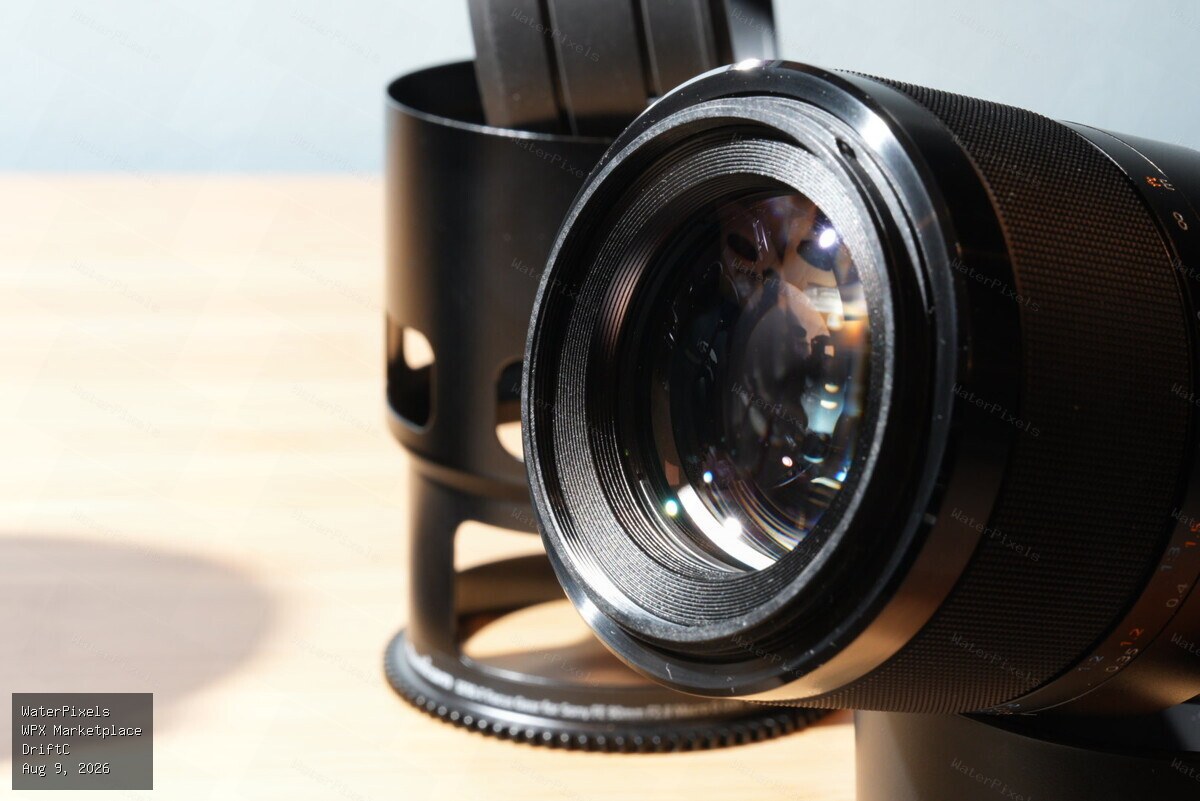 For Sale $750.00 Oregon, USA
Sony FE 90mm f/2.8 Macro G OSS for sale. one small blemish on the side that does not affect performance. The lens has been recently serviced by Sony P…
-
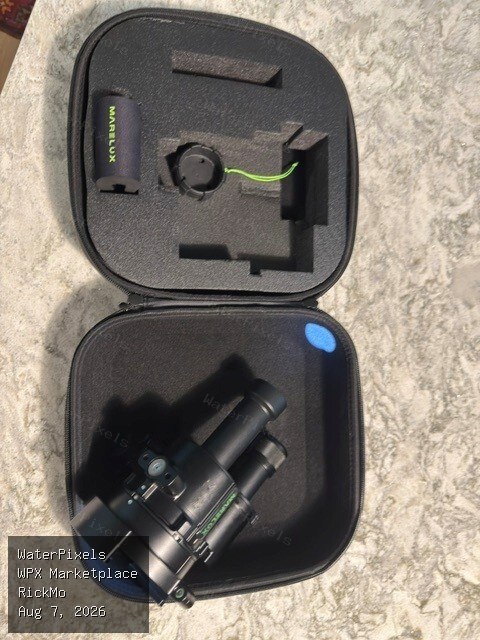
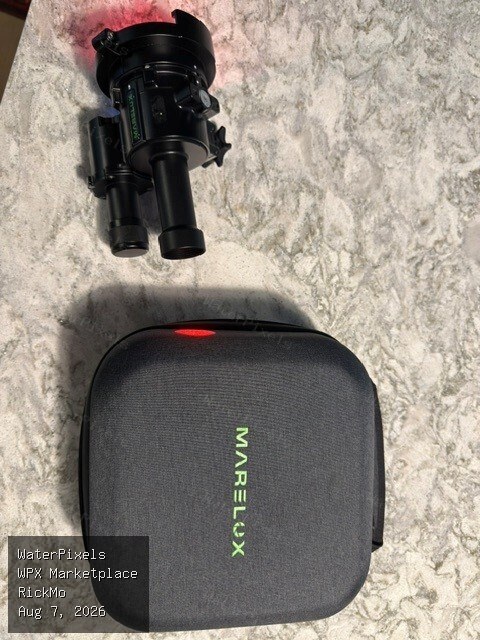
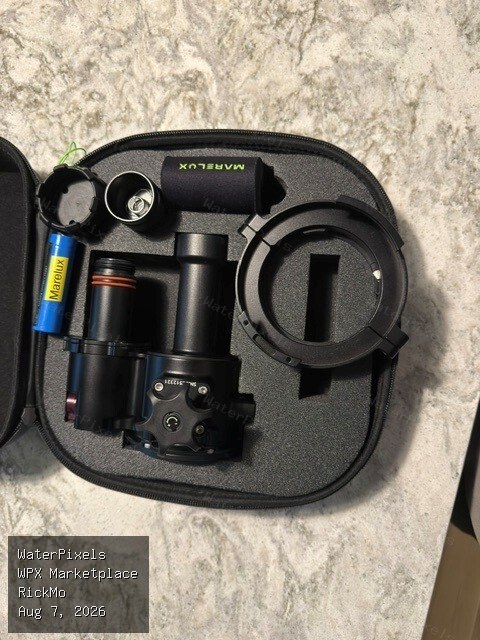 For Sale $250.00 Ohio
Hey Rick, I’m interested and have sent you a PM.
-
Oops! I meant s-cinetone, not cineEL. Have you given it a try yet?
-
You might experiment around with CineEL — which I believe was added in a firmware update.
-
Still available.
-
Nice to see you over here @rainforest_UW
-
Just getting set up with mine— I’ll try and report back on the SMC-1 vs 1.4 TC question. One thing to consider on the TC side is that there is not yet a focus gear that works with the extension ring. I’ve heard there is enough interest to perhaps make one/adapt the existing one— but it is yet to be made available. @rainforest_UW Do you have the MFO-3, or any of the other underwater optics you’ve tested with your 90?
-
Oops, I meant to say N100 125 (plus perhaps the ER 30 for those adding the teleconverter. It would be for the Sony 100 macro.
-
Awesome idea! An N120 port 125 would also be much appreciated!
-
Macro port has been sold. Zoom Gear available for $175 Lens available for $600
-
Macro port is pending, zoom gear and lens still available.