



.jpg.07c9177df38a69a1394f3872b6972fb4.jpg)
Everything posted by shokwaav
-
Just a quick google search: https://www.backscatter.com/reviews/post/Sony-a6500-Camera-Underwater-Test-and-Review They suggest the Tokina 10-17mm with an adapter.
-
Don't these two sentences contradict each other then? I think everyone in the comments are replying to your initial assumption that your photos are not sharp because of the sensor, which I think my example can help disprove. I agree that it may be a combination of your lens and dome combination, although just looking at the Nauticam port chart, it already is the "ideal" solution. Of course, there may be sharper options out there for wide angle, but unfortunately, I'm not too familiar with the APS-C options out there, so others may be more helpful.
-
I'm on the new M4 MBA without any issues. Could it be memory usage? How much RAM do you have?
-
Thanks, this was taken at Aguni Island, Okinawa.
-
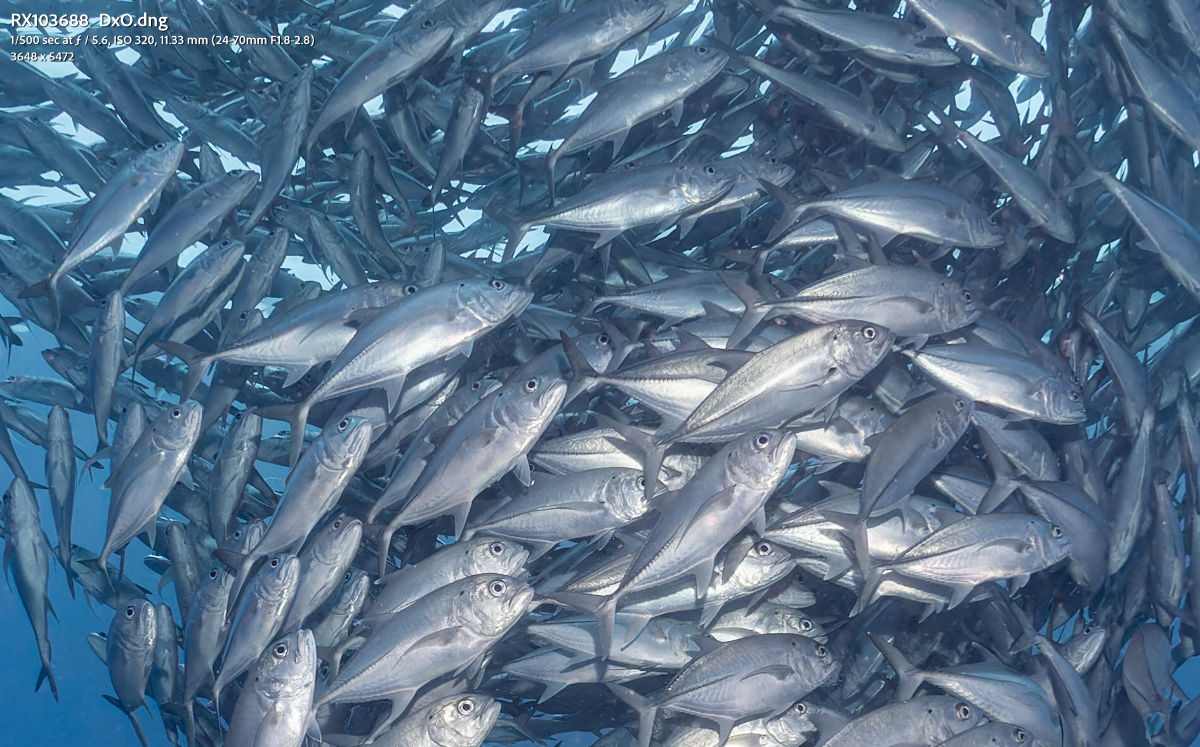
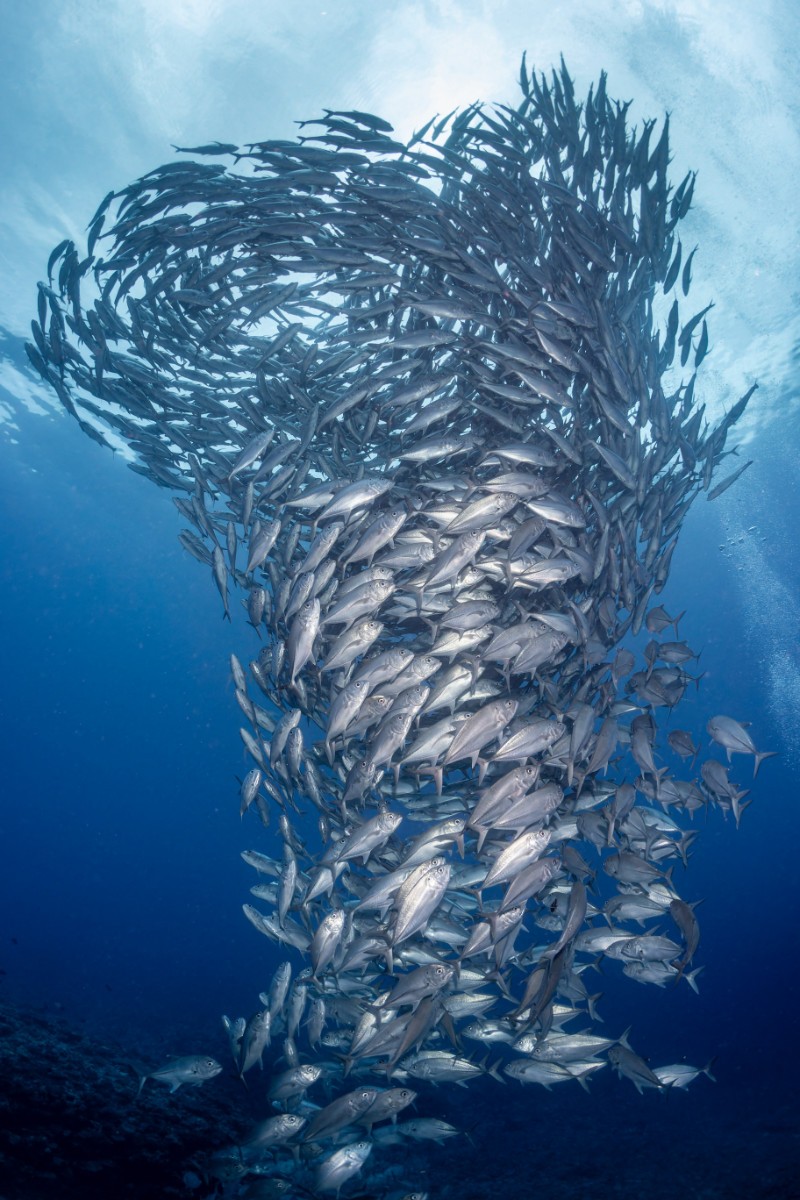
RX100V (so a 1 inch sensor), Inon wide angle wet lens, Inon strobes 100% center crop to assess the sharpness. The resolution is 3648x5472.
-
From another thread for reference.
-
Do you enjoy the CMC-1 with the 28-60? Great shots!
-
Planning a trip to Ishigaki Japan in April, but the budget airline I'm taking is notorious for their 7kg carry on limit. I'm looking to save weight by using a duffel instead, but was wondering what other options people are using especially regarding weight.
-
I can confirm the Backscatter nauticam trigger works well with my A7C2 with nauticam housing. The TTL also seems to work well on land with the HF1s. I do like the fact the nauticam trigger is designed without wires, making it feel more durable, although it may be less viable for alternative housings.
-
Any ideas how well it works for splits?
-
Anyone managed to get their hands on one? Any hands on reviews?
-
Email them. I asked them about the A7C2/A7CR housing before I placed my order.
-
Wonder if the new tariffs will affect the pricing and availability of the flash and the triggers...
-
That's a good point. I've been lowering the output of my bottom strobe to deal with it, but I've also had shots which looked a bit unnatural. My main issue is that the Backscatter strobes are so darn heavy that I need flotation near them. Ideally some sort of foam ring for the strobes would work best. Do you have any recommendations for adding floats to the base?
-
With the strobes on either side and the entire system slightly negatively buoyant, the rig is quite stable when taking landscapes/horizontal shots. Unfortunately, with the popularity of vertical shots on social media, I have started to try composing my shots vertically. However, when placing the strobes at 12 and 6 o'clock, the entire system wants to torque back to the horizontal position. Does anyone have tips for strobe/float placement to avoid this?
-
Although this was taken at snorkeling depths, this was with a GoPro 11 running Labs with 5.7k 8:7 30fps, NR01, BITR 180, WIDE, LOG400, and then edited to taste in DaVinci Resolve.
-
Comment I posted on the showcase image, hopefully can help others who are interested.
-
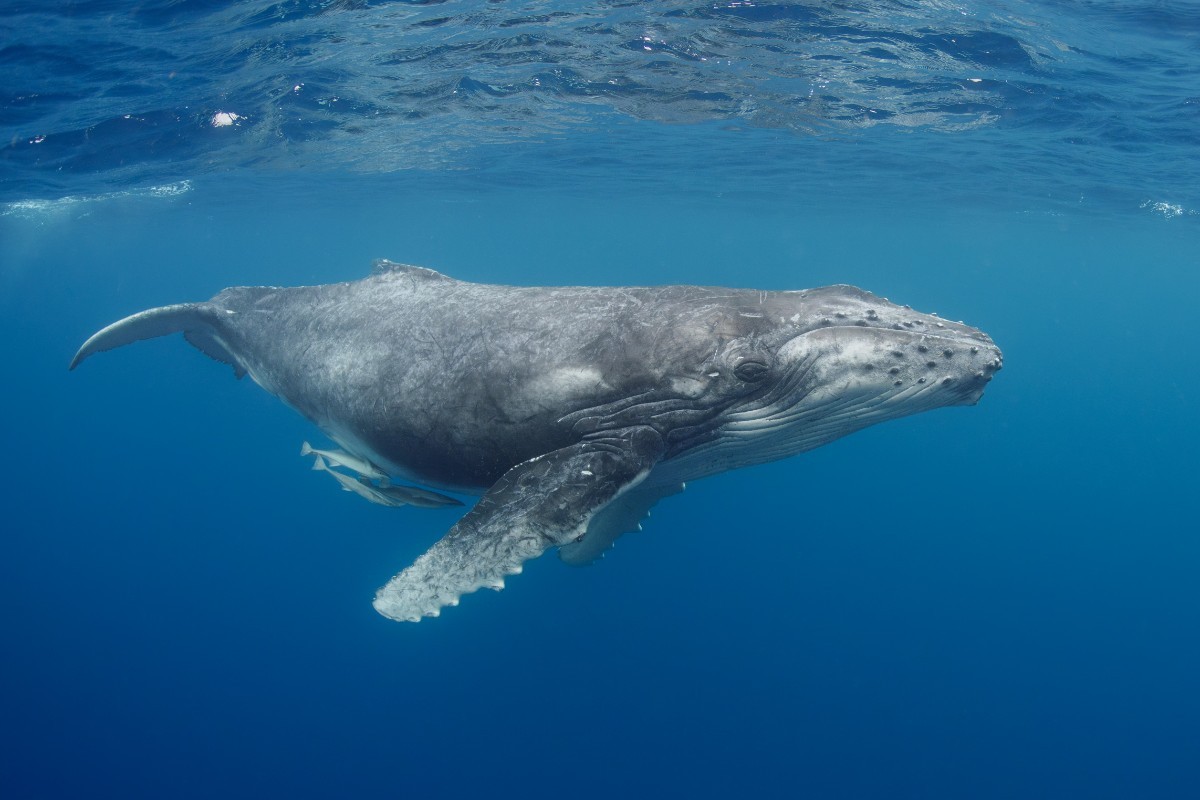
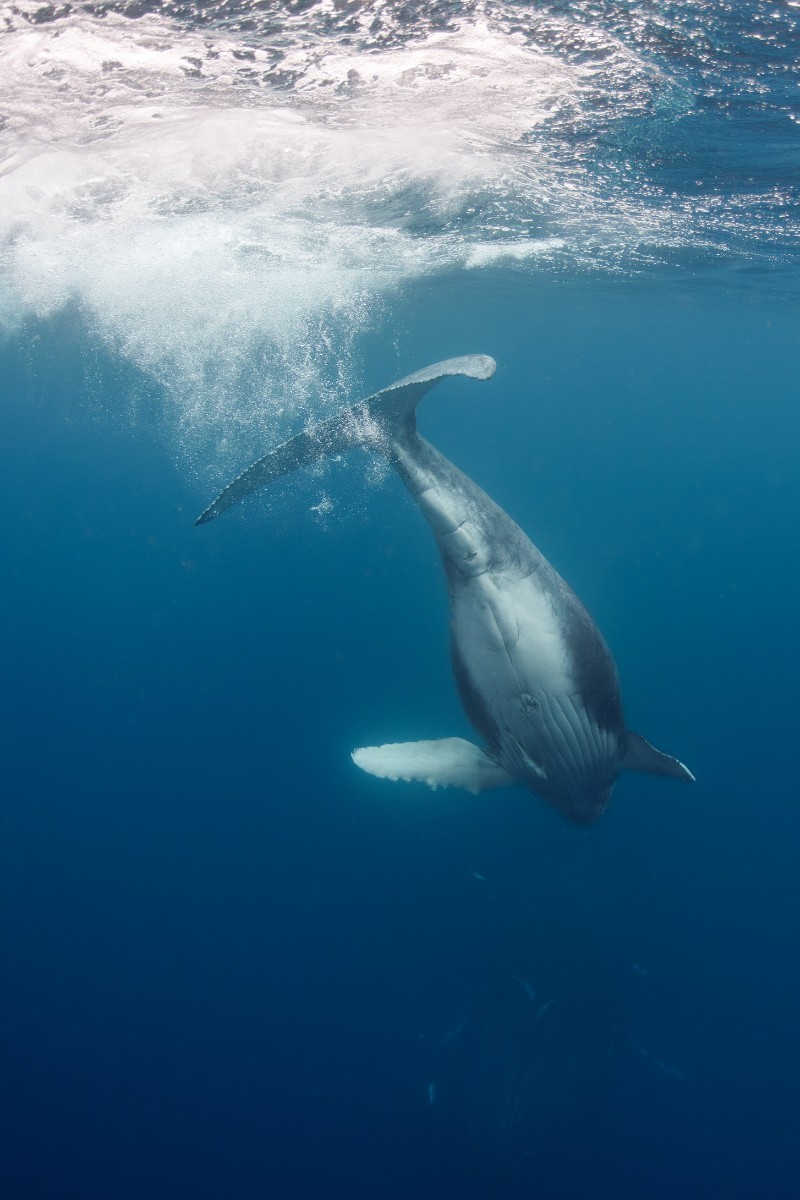
First some videos and photos.
-
https://www.ikelite.com/blogs/reviews/olympus-fcon-t02-circular-fisheye-and-tough-tg-6-underwater-photos It seems that the extreme vignette is an expected result from this combination?
-
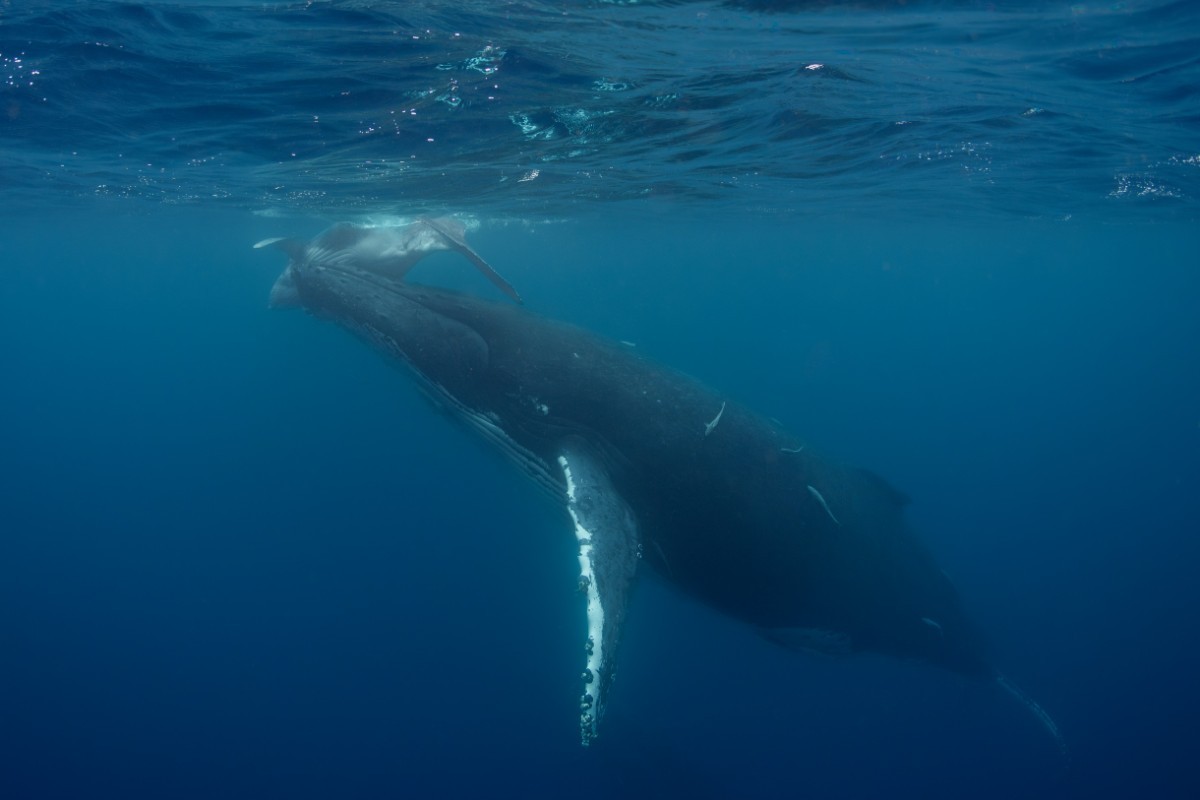
 @bghazzal I went with Daisuke from Okinawa 39ers who I've joined for all my Okinawa trips. I went for two days, and only managed to see the whales in the water on the 1st day. On the 2nd day, we only managed to see them on the boat, and couldn't see them when we went in the water. For the 1st day, there were only the four of us + two guides, so it was quite comfortable under water. The 2nd day, there were probably 9 of us + 3 guides, so it was a bit crowded. Daisuke did emphasise no fin kicking, no free diving and no swimming towards the whales. However, on the 1st day, the calf got so close to some of us that they had to take evasive manoeuvres. It also took us almost the entire morning (7am - 12pm) to see the first few whales from the boat, and then the next 1-2 hours to get in the sea to join them. The sea was quite choppy on both days without any breaks so sea sickness meds were a must. I still got seasick on day 2 and had to puke (I am quite susceptible to sea sickness though). Also, although the water temperature was fine with a 5mm wetsuit, when back on the ship the wind chill was quite severe. Probably a neoprene jacket to wear when back on board would have helped. Daisuke mentioned that February may be the busiest month during the season and he mentioned that sometimes there were up to 10(?!) boats per pod of whales, which sounds crazy. I was discussing with someone who had done the whale swim three times, and we were wondering whether the whale swim would be able to continue indefinitely. For the second day, there were three boats following the same pod of whales, and started to feel a bit like we were harassing the whales a bit too much.
- 2 comments
- 2 reviews
-
-

- 1
-
-
Okinawa Jan 2025. A7CII in Nauticam Housing, Nikonos RS 13mm modified by Isaac Szabo, No strobes
- 2 comments
- 2 reviews
-
Have there been any updates to the Sony Trigger? It's now past the new year 😅
-
Lightroom masks have improved a long way, but it will still struggle with fine details such as coral. I also prefer getting everything correct in camera. Set the WB to the level of the diffusers and make minor global WB corrections in lightroom.
-
Are you using a tray system? That might help with the hand held stability, so you don't need to introduce as much stabilisation in post. The AutoWB seems to be working great.
-
I met someone on a liveaboard with an Insta360 Pro 2 in a Mantis sub housing. His company was making VR experiences for the Vision Pro.
.thumb.jpg.6a528f6e907b1ef84a1cc030ea3b6f75.jpg)



