Announcement
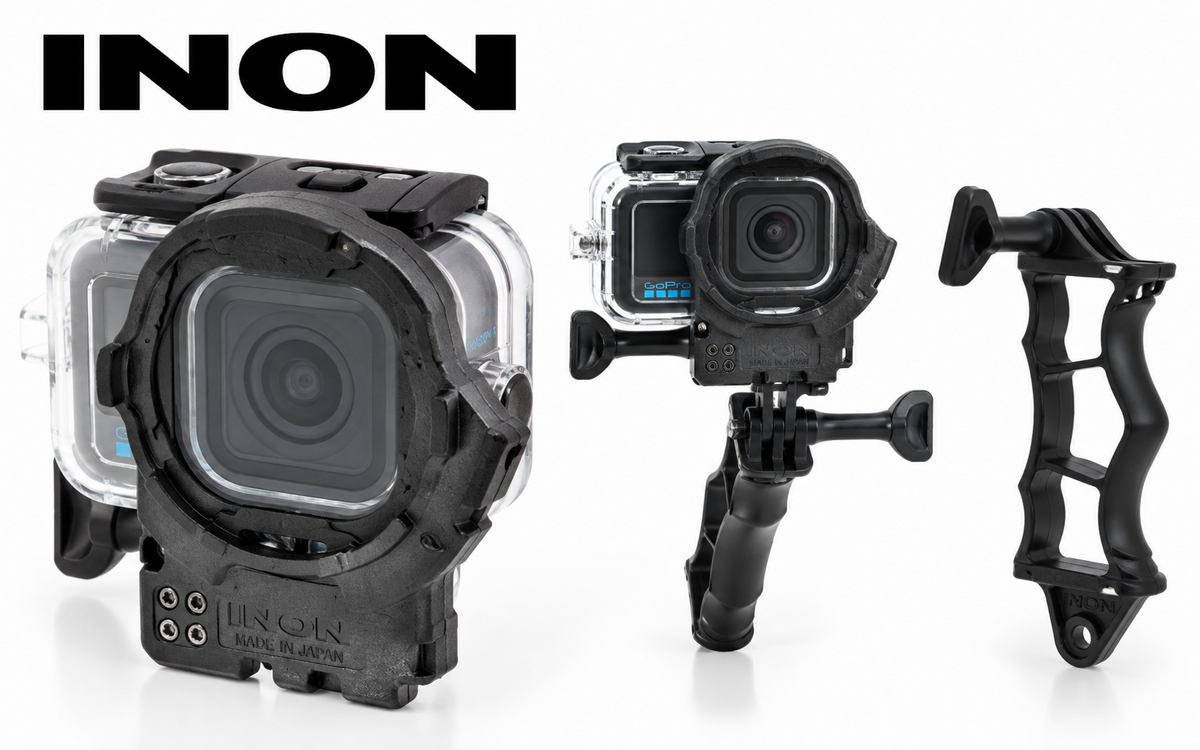
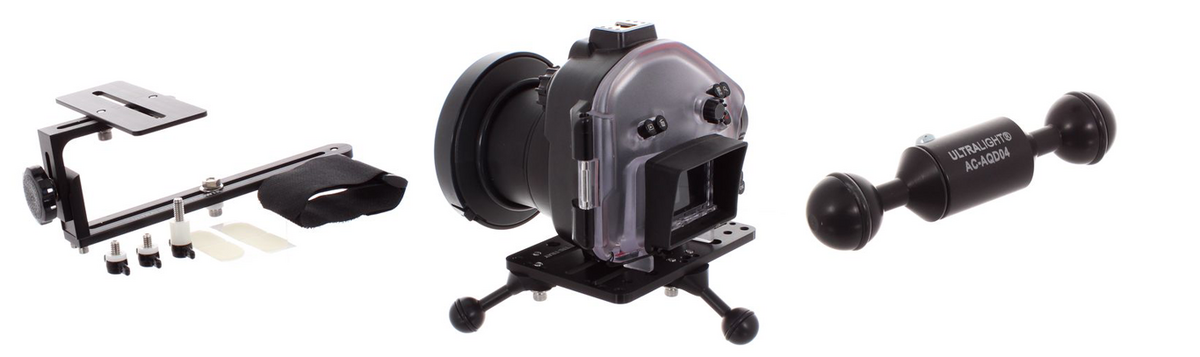
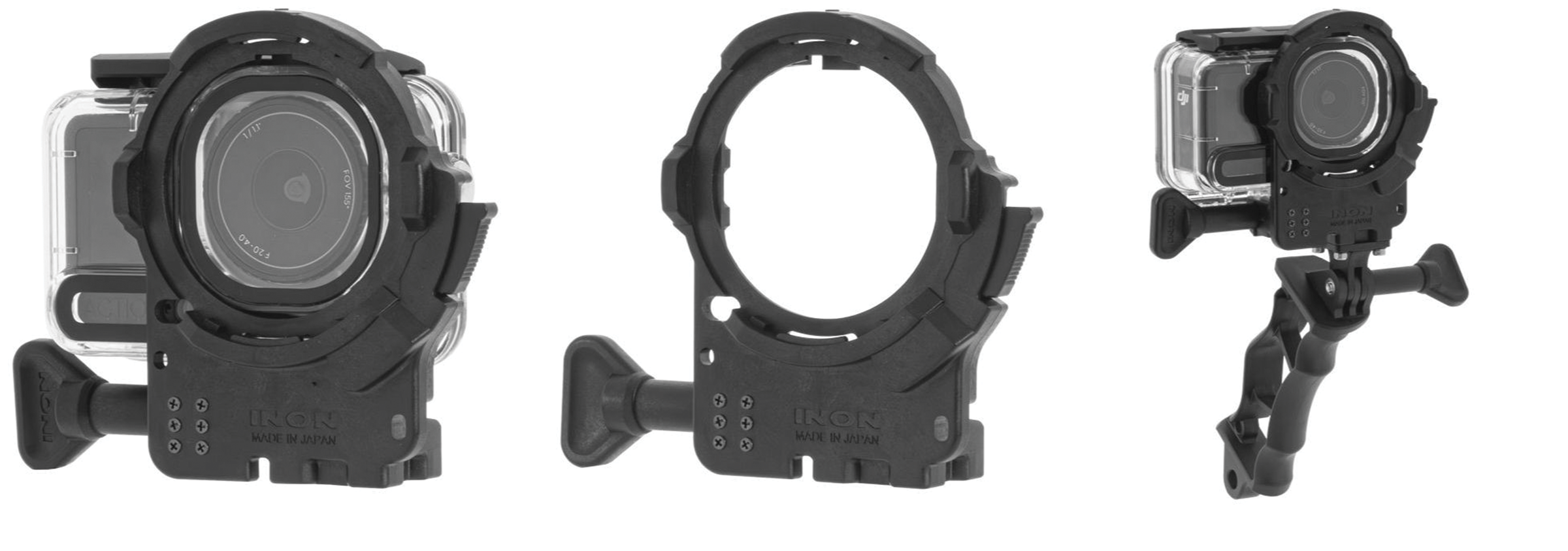
INON has released the new ZD Front Mask for MISSION 1, providing support for a range of INON ZD-mount wide-angle and close-up lenses when using the GoPro MISSION 1 with…



Terms of Use Privacy Policy Guidelines We have placed cookies on your device to help make this website better. You can adjust your cookie settings, otherwise we'll assume you're okay to continue.

A worldwide community for underwater imaging.