Product Announcement
58 articles in this category
-
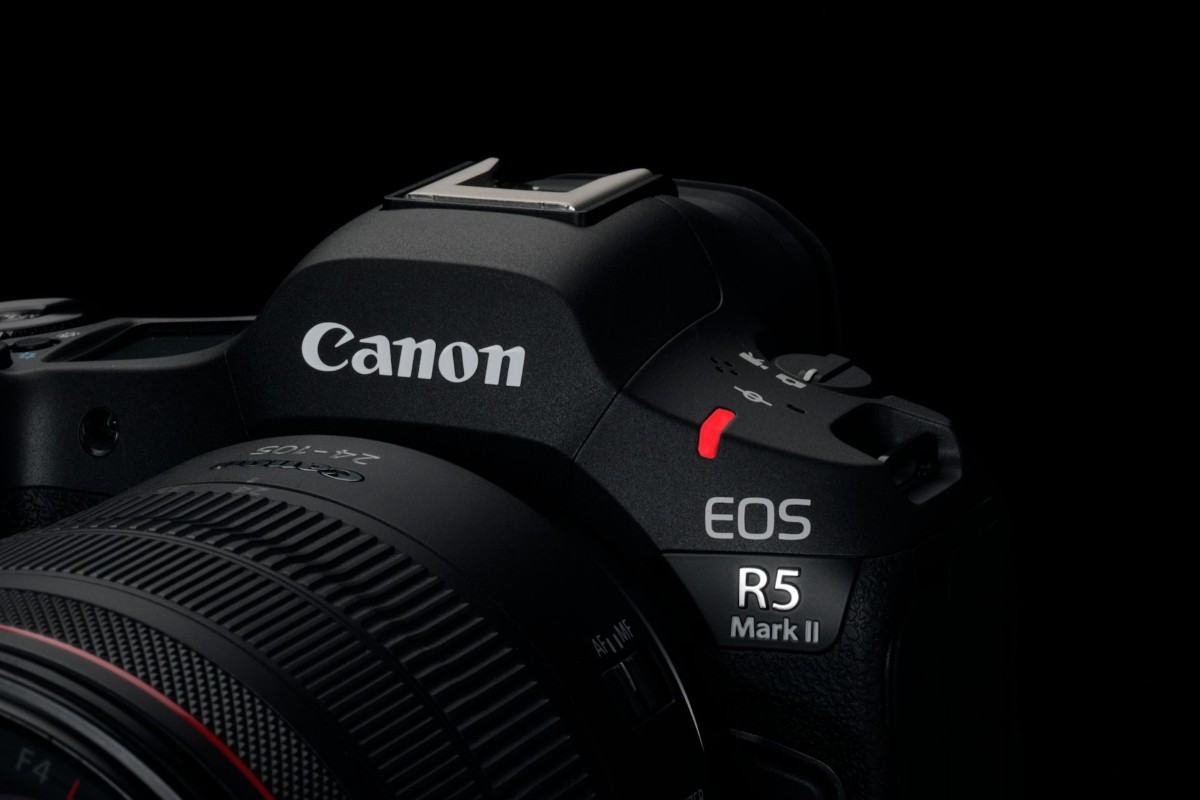
Canon's EOS R5 Mark II is the company's latest high-end, full-frame mirrorless camera, now featuring a Stacked CMOS sensor and many autofocus capabilities from the flagship R1 model. Key Specifications: 45MP Stacked CMOS sensor Eye-controlled AF subject selection Up to 30fps continuous shooting with blackout-free viewfinder In-body stabilization rated up to 8.5EV correction, coordinated with lens stabilization Pre-burst capture (JPEG) 8K Raw
-
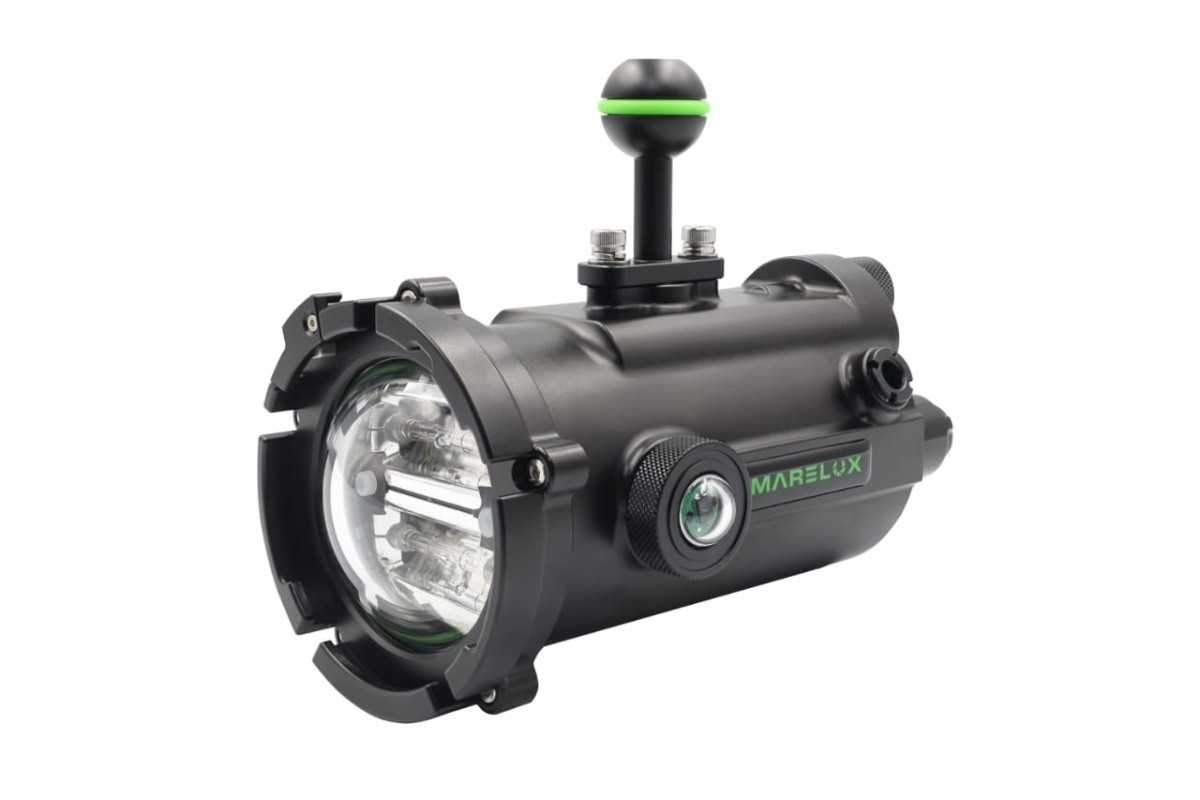
The Marelux Apollo S strobe has begun shipping world wide. The specs include a link to a site where you can purchase the recommended Sony VTC6 18650 batteries. Product Features 1. Support TTL, RC, HSS,wireless triggering 2. With a special designed MTL mode, support continuous flashes 3. With 2 fisheye wireless signal sensor units. Plus one fiber port, sensor coverage 160 °. Wireless trigger supports M, MTL, HSS. (TTL ,RC needs fiber) 4. GN.ISO 100 : 33 (tested on
-
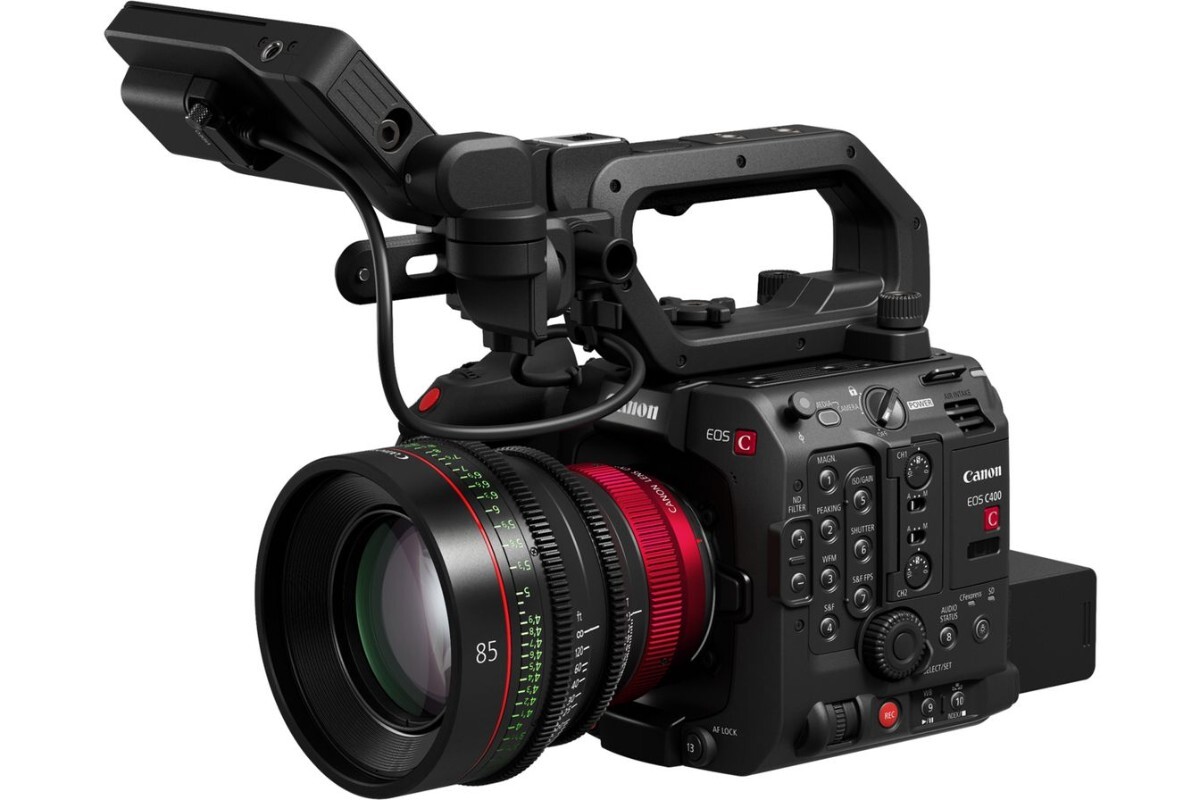
MELVILLE, N.Y., June 5, 2024 —Canon U.S.A. Inc., a leader in digital imaging solutions, is pleased to announce the new Canon EOS C400 cinema camera, with a native RF-mount and full-frame, back-illuminated stacked CMOS sensor, designed with the film and live production markets in mind. For the first time in the cinema EOS system, the Canon EOS C400 camera features a newly developed 6K full-frame, back-illuminated CMOS sensor, with triple-base ISO, allowing the camera to deliver stunning imag
-
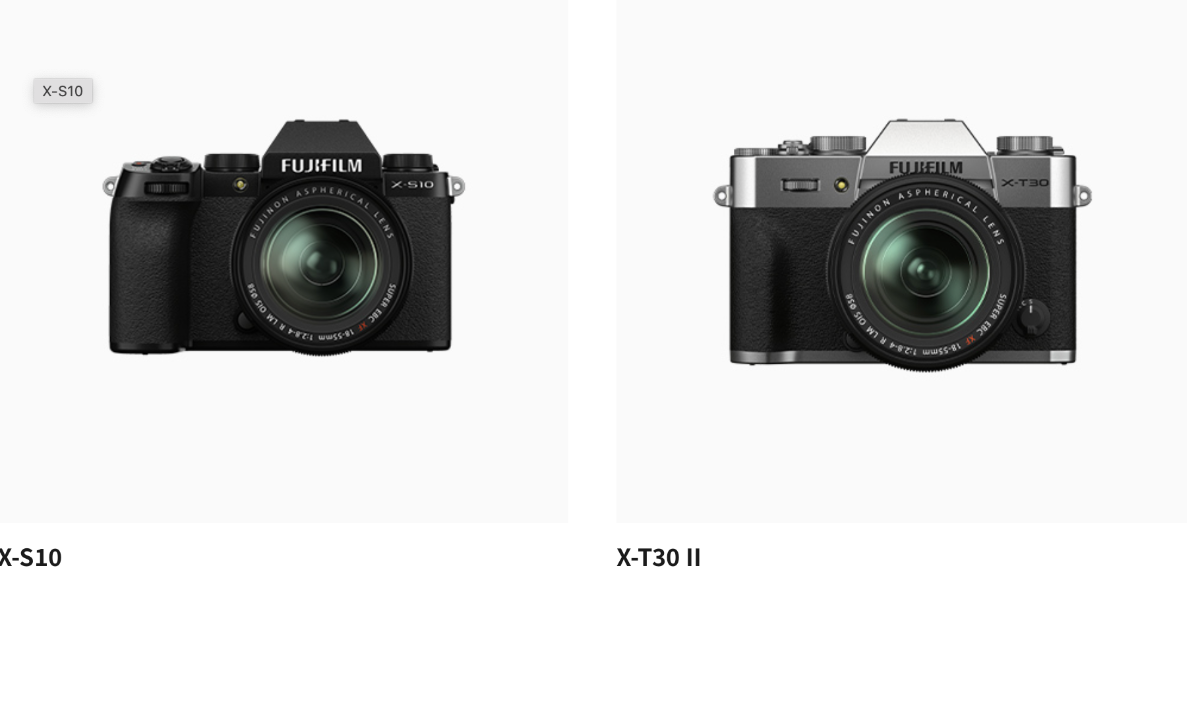
Fujifilm has released updates for some of its X and GFX-series cameras including the X100VI plus the X-S10, X-T30 II, X-T3/X-T4 andGFX S50 II Updates are available via Fujifilm's App available on the Apple App Store for IOS users and the Google Play Store for Android's.
-
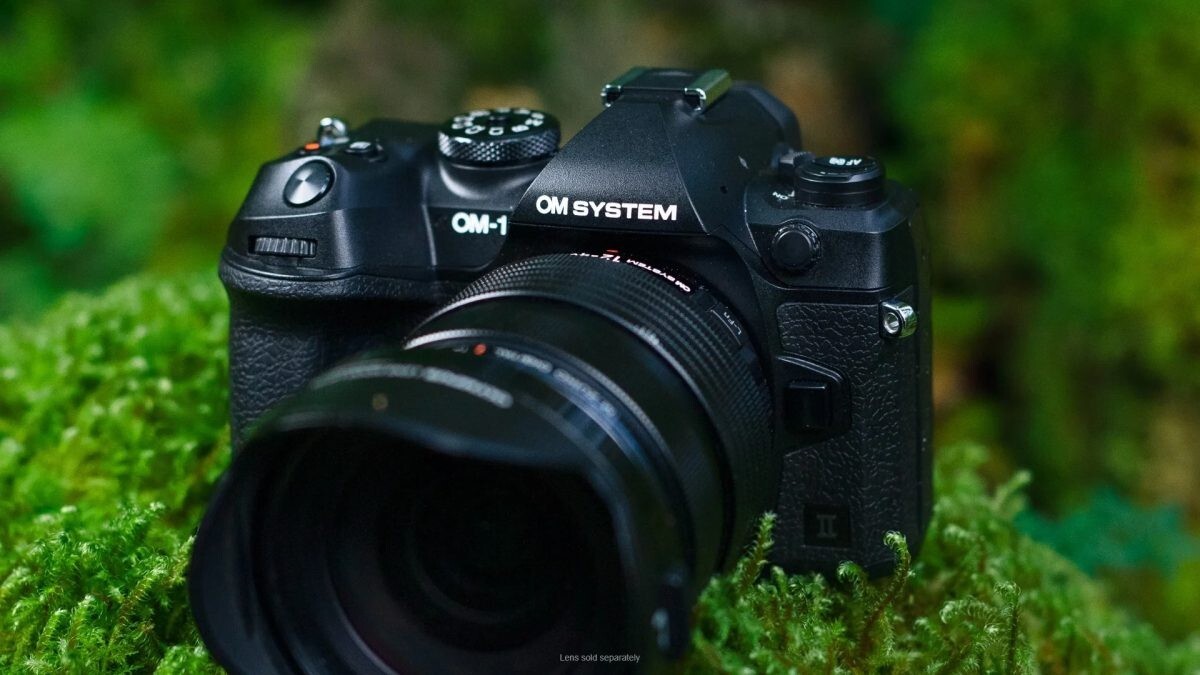
On a live event, OM Digital announced three new products and a new lens road map. The most notable is the new OM-1 Mark II camera. The OM System OM-1 Mark II is a Micro Four Thirds camera with a 20MP Stacked CMOS sensor, designed for high-speed performance. It serves as an updated version of the flagship OM-1, featuring various hardware and firmware enhancements. Set to launch on February 26th, the OM-1 Mark II will be priced at $2399, marking a $200 increase from the original m
-
In these last months of 2023, underwater photography and video enthusiasts have witnessed a phase of particular excitement in the action cam market with the release of new models of video cameras, cases and other accessories. If in the camera sector GoPro has suffered an attack from the competition with the presentation of models suitable for 360° shooting or equipped with a larger and more high-performance sensor (the very recent INSTA ACE PRO with its 1" sensor), as regards accessories, G
-
A new update to Lightroom Classic appeared today (14 Dec). This is v13.1 and follows on from 13.0.01 and 13.0.2 which were released some weeks ago. Although the download was very slow (an Adobe banner acknowledged this and said it was being fixed), the update seems to work without a problem. Adobe report that the update fixes bugs and provides support to new cameras. No new features apparently.
-
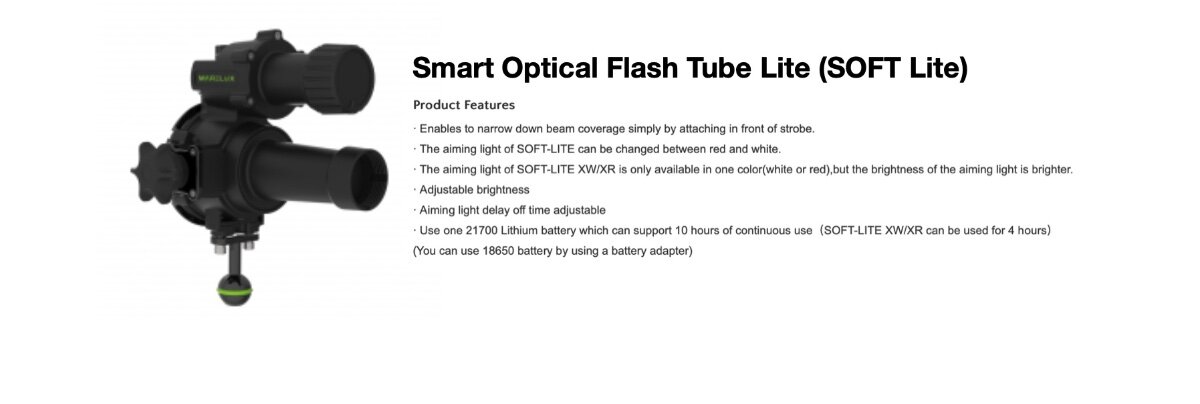
Marelux has announced the new Soft Lite today. This is a redesign using plastic which drops the weight by 190g over the past Soft Pro line which is now discontinued. I have attached the specs and photos. Smart Optical Flash Tube Lite (SOFT Lite) Patented Product Product Features Enables to narrow down beam coverage simply by attaching in front of strobe. The aiming light of SOFT-LITE can be changed between red and white. The aiming light of SOFT-LITE XW/XR is only