



Members Showcase (Photo)
Showcase is the public pool for Members Choice: up to 5 photos per calendar month. The Review Queue on Member Showcase Review is photos posted this month. Like the ones you want on the front page, or pass the rest. Earlier photos are under All Photos, and a like there still counts this month. Monthly winners are on Members Choice Results. Files can’t be replaced after upload—delete and re-upload if you need a new file (that also clears that photo’s likes for the month).
Showcase Quick Guide
Rules
Upload up to 5 Showcase photos per month.
Deleting a current-month photo frees its upload space.
Deleted photos and their Likes will not count.
Photo files cannot be replaced after uploading.
Member Albums are unlimited and do not count toward Showcase.
You cannot Like your own photo.
Likes and Passes are private.
Current-month Likes can be removed; closed-month Likes are locked.
The Review Queue is photos posted this month. Like one, or pass it. An empty queue means you are caught up for the month.
Earlier photos are under All Photos on Member Showcase Review. A like there still counts for this month. You do not have to pass older photos.
If two photos have the same number of likes, the one that reached that count first places higher.
A like also counts toward the yearly showcase. The yearly winner is the photo posted that year with the most likes on December 31.
Submit Photos
Visit the Showcase Gallery, select Add Images, and upload your photos.
Review Photos
Use the preferred method Member Showcase Review page or the Review Queue widget in the site’s right sidebar.
Thumbs-up: Like or Unlike
Pass: Skip without disliking
Magnifying glass: View full size
EXIF if available is there
Undo becomes available after a choice is made
Keyboard shortcuts are enabled with a "key" at the bottom
The Review Queue is photos posted this month that you have not liked or passed. Like the ones you want on the front page, or pass the rest. When that queue is empty, you are caught up for the month. New uploads this month appear in the queue. Earlier photos stay under All Photos, and a like there still counts.
Likes made directly in the regular Showcase Gallery also count, but that view does not filter reviewed photos.
373 images
-
By Ajit S N
-
By Ajit S N
-
By Ajit S N
-
By Ajit S N
-
By Ajit S N
-
By Ajit S N · 1 comment
-
By Gmsalterego
-
By bvanant
-
By bvanant
-
By bvanant
-
By TimG · 2 comments
-
By TimG
-
By TimG
-
By Chris Ross
-
By Chris Ross
-
By Chris Ross
-
By Chris Ross
-
By RichN
-
By Gmsalterego
-
By Gmsalterego
-
By Gmsalterego
-
By shokwaav
-
By shokwaav
-
By shokwaav
-
By shokwaav
-
-
By Abi_Camera · 2 comments
-
By Grant Evans
-
By vkalia
-
By vkalia
-
By RomiK
-
-
By Guest
-
By Guest
-
By Guest
-
By vkalia
-
By vkalia
-
By Guest
-
By Kamaros
-
-
-
By Tino Dietsche · 1 comment
-
By ChipBPhoto
-
By cerich
-
By cerich
-
By Fabian
-
By Fabian
-
By Fabian
-
By Fabian
-
By Guest · 2 comments






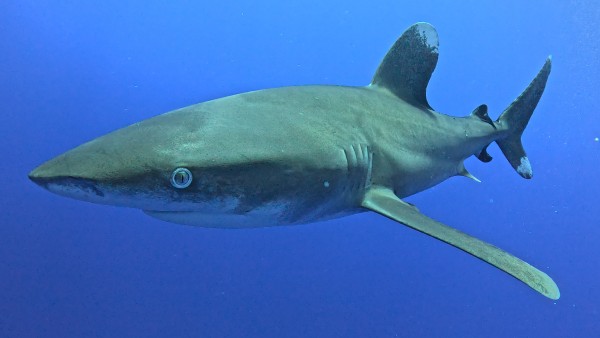
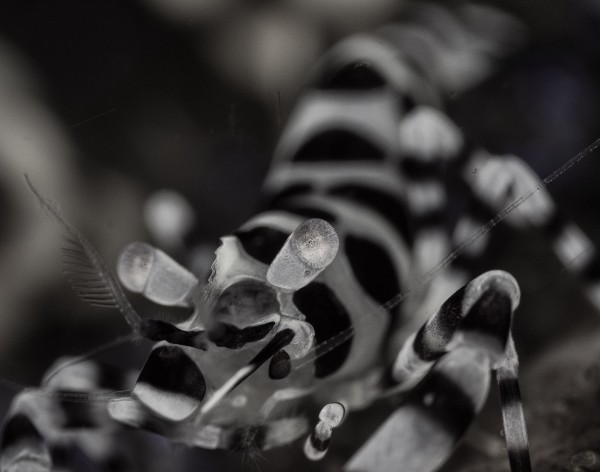
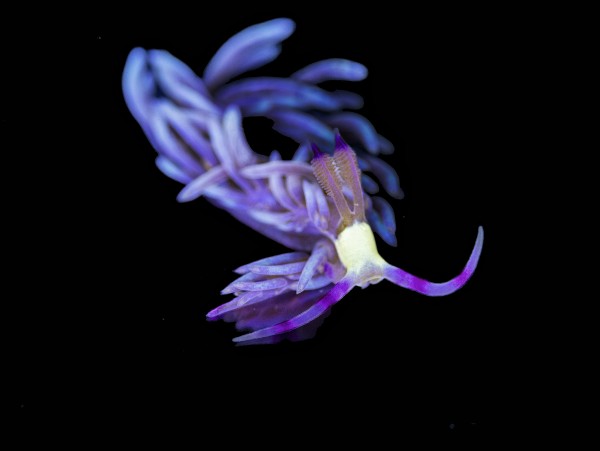
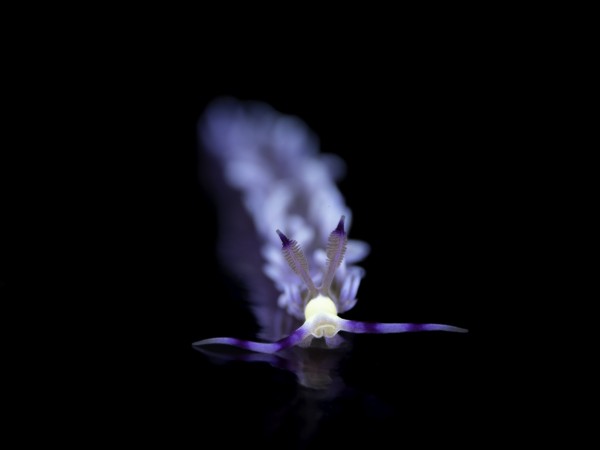








.jpg.1ee819e87e076629879c7e1d8756810e.jpg)









.jpg.7c11be78a4b5f29280acec638dc4f5bb.jpg)










.jpg.857dbbfbdc4d79d9c6ebf7b4ba96ed1b.jpg)

